
If you haven’t installed our demo content but want to add a contact form to your website, we recommend using the popular Contact Form 7 plugin.
This plugin is included as a recommended plugin with our theme. Once you install and activate it, a basic contact form will be automatically created. You can place it on your page using Elementor.
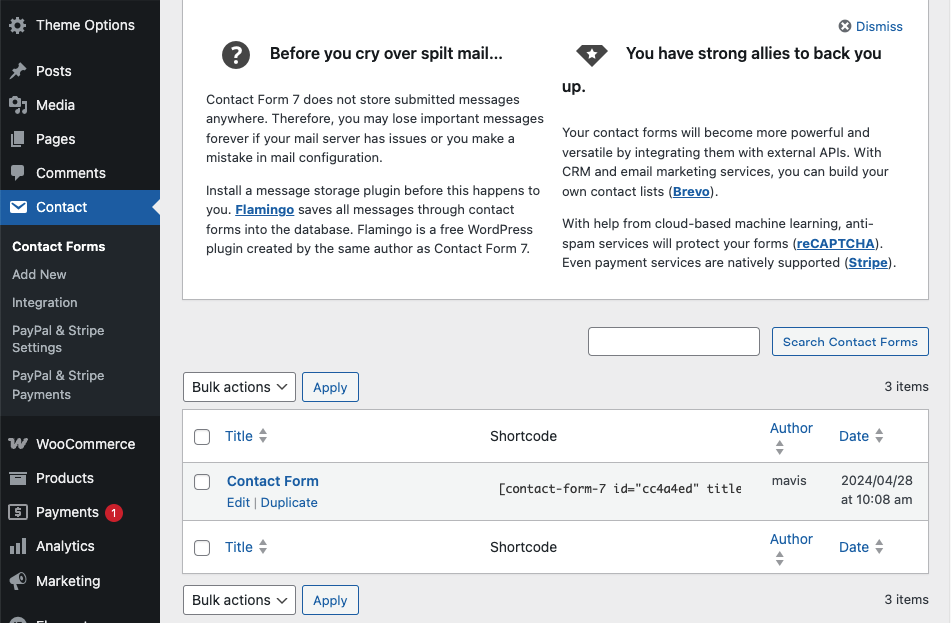
Alternatively, you can create a custom form by navigating to:
Dashboard → Contact → Add New
For detailed instructions, refer to the Contact Form 7 Documentation.
<div class="row">
    <div class="col-lg-6">
        [text* your-name class:form-control placeholder "Full Name"]
    </div>

    <div class="col-lg-6">
        [email* your-email class:form-control placeholder "Email"]
    </div>

    <div class="col-lg-6">
        [tel* your-phone class:form-control placeholder "Phone"]
    </div>

    <div class="col-lg-6">
        [text your-subject class:form-control placeholder "Subject"]
    </div>

    <div class="col-lg-12">
        [textarea* your-message class:form-control rows:5 placeholder "Write Your Message"]
    </div>

    <div class="col-lg-12">
        <button type="submit" class="default-btn active wpcf7-form-control wpcf7-submit">
            <span class="d-flex gap-10 align-items-center justify-content-center">
                <span>send message</span>
                <img src="https://pola.ddev.site/wp-content/uploads/2025/11/right.svg" alt="right-black">
            </span>
        </button>
    </div>
</div>